Create clear, client-ready visuals without starting over every time.
Give clients a clearer picture earlier, so decisions feel easier before the project gets expensive to change.
We help you install a repeatable AI visualization workflow for creating client-ready visuals with more control.
We’ll run one view through the workflow and send back a sample visual, no pitch call required.
Easy to generate.
Hard to control.
You’ve been here: the image is almost right, but one small change creates five new problems.
A material changes. The lighting shifts. The furniture is wrong. Suddenly, you’re not refining the image anymore. You’re hoping the next version is better.
Most AI tools can get you close. The problem is controlling what happens next.
You start with your design.
Accurate geometry, but not yet a client-ready visual.
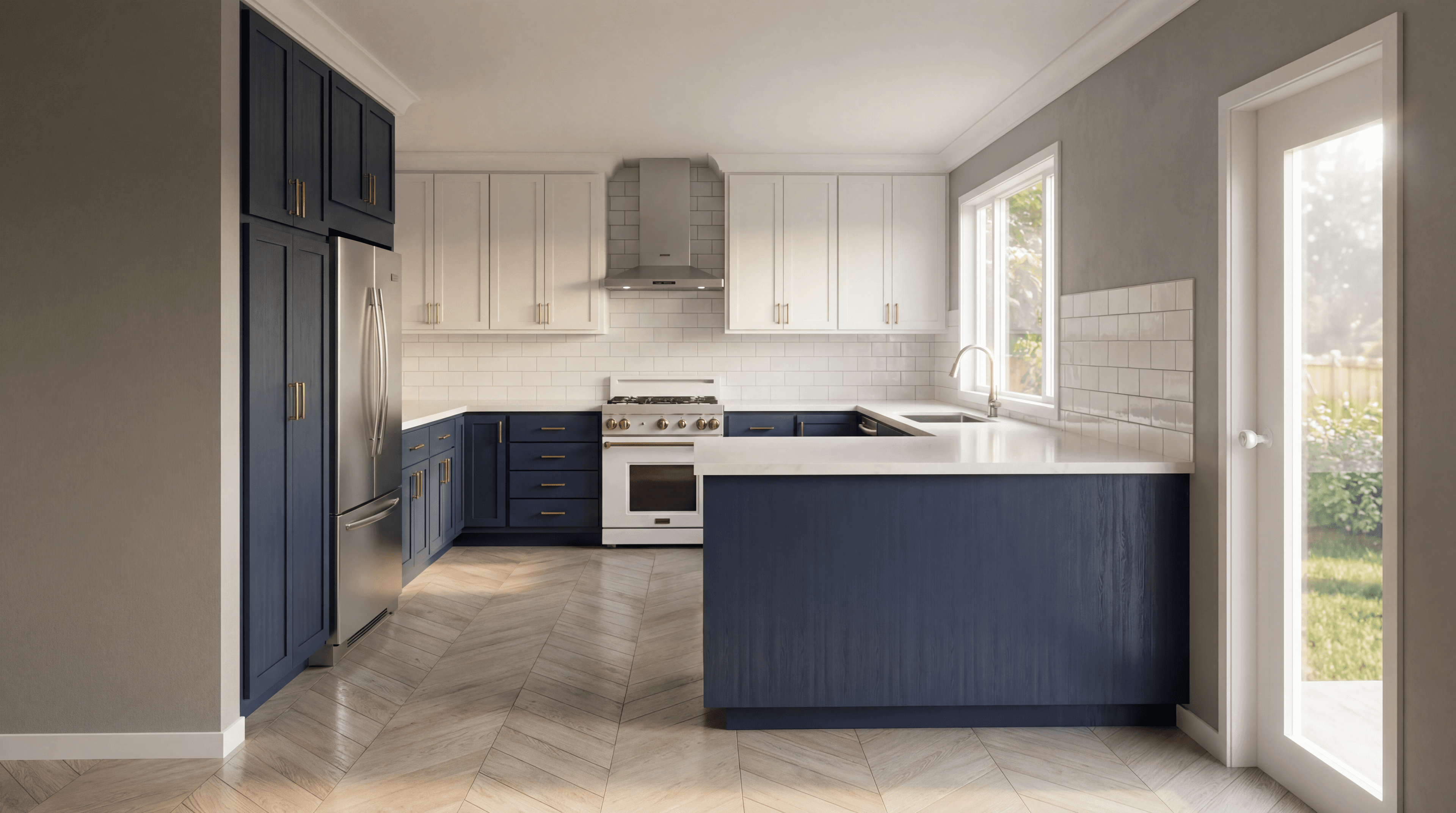
“Create a realistic rendering of this kitchen.”
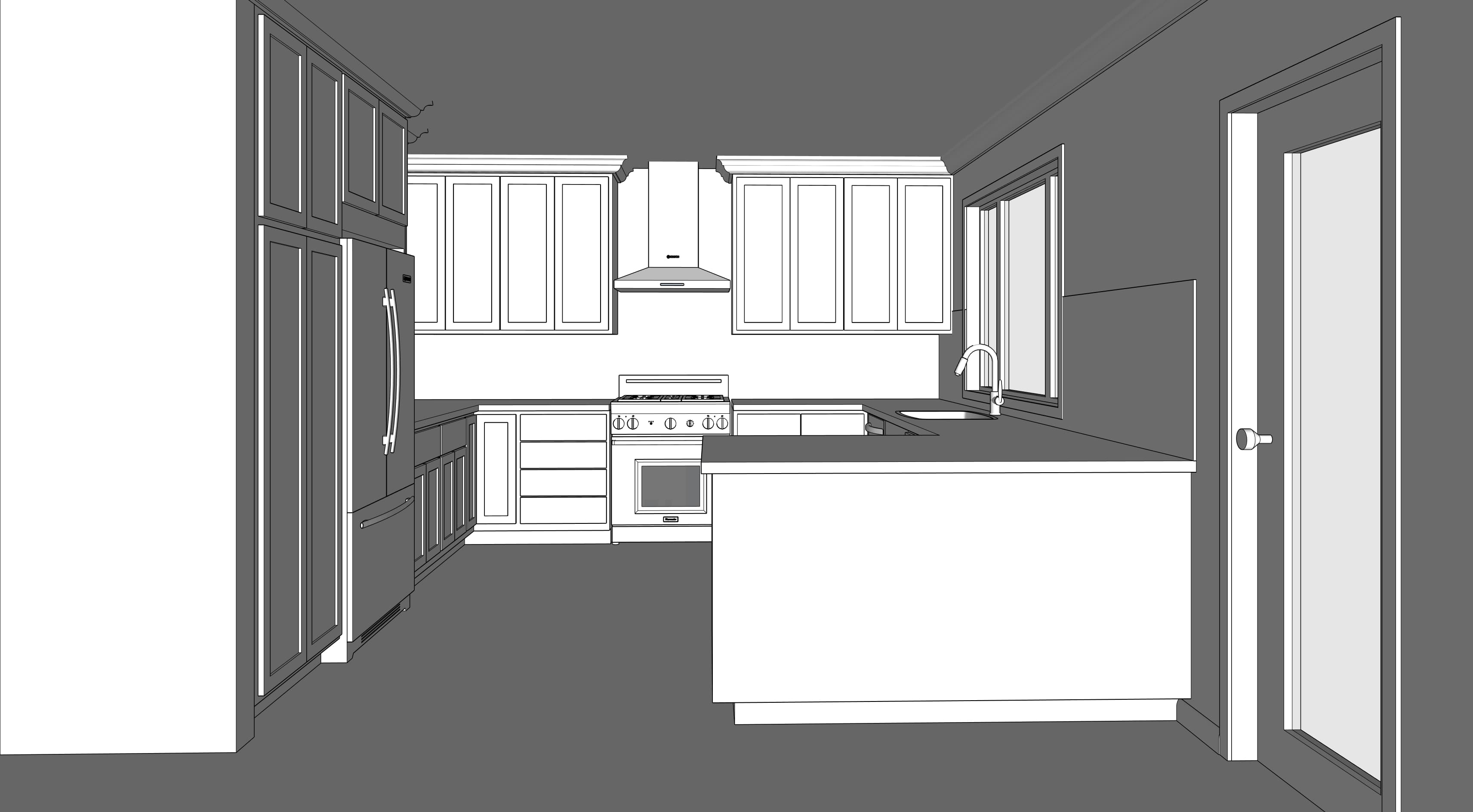
Each pass redraws the whole image.
So you can’t control what changes, and you risk losing what was already working.

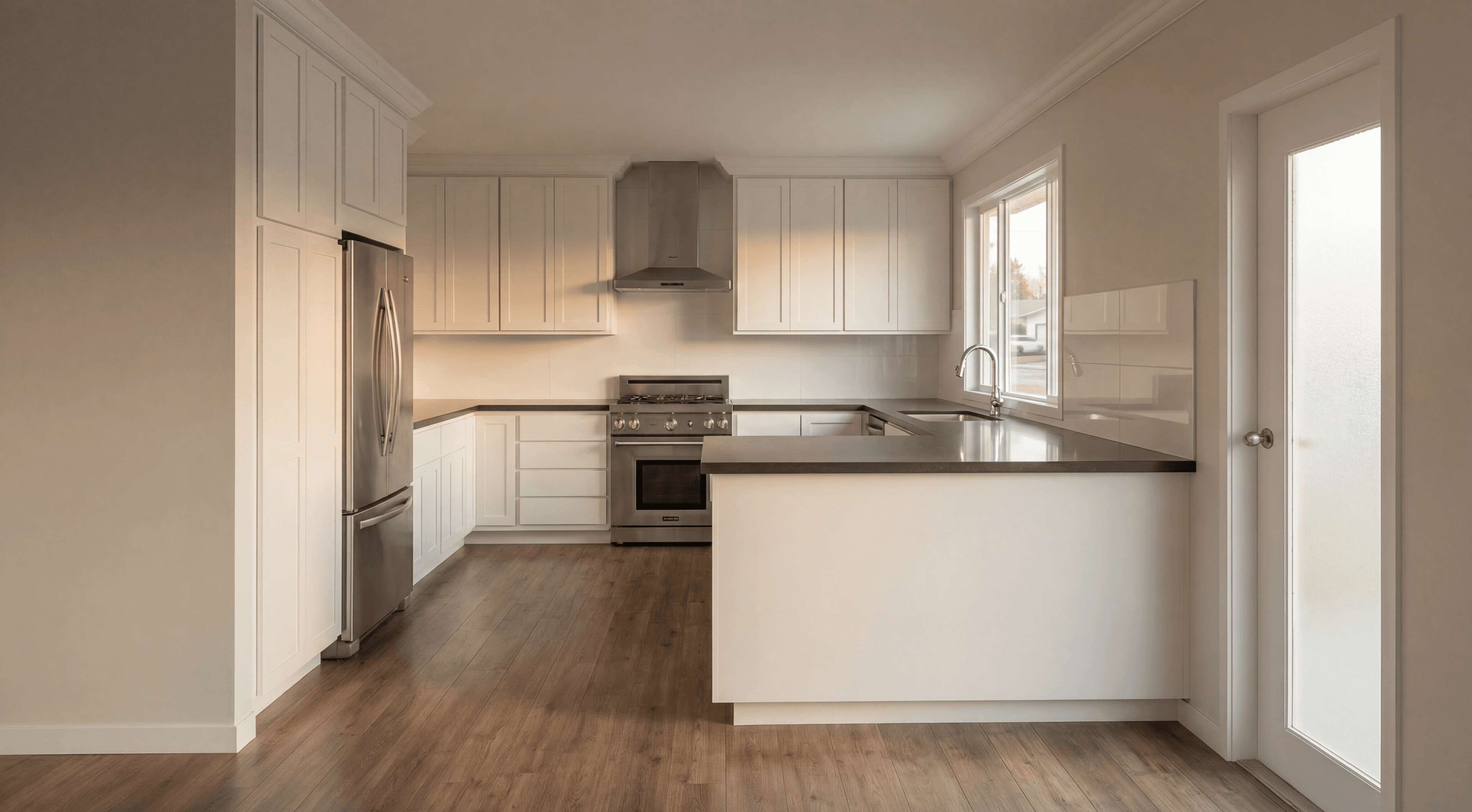

Each pass redraws the whole image.
So you can’t control what changes, and you risk losing what was already working.
For many studios, each concept phase can eat 10–15 hours of visual iteration time. At typical billing rates, that’s often $1,500–$2,500 of studio capacity per project, absorbed internally and invisible to the client.
That leaves you trying to solve three things at once:
Fix one detail
“How do I change one thing without changing everything else?”
Get it client-ready
“The image is close… what do I change now?”
Keep it consistent
“How do I make different images look like the same project?”
That’s the gap the AI Visualization Workflow is built to close.
Instead of waiting weeks to send a model out for rendering, we can now create strong visuals while we’re still working through the design.
A Workflow built for control, not regeneration
The AI Visualization Workflow is a repeatable, multi-step process for generating and refining client-ready visuals that stay true to your design intent. During the first onboarding call, we apply it with you on a real project and show you how to refine the image when something needs adjusting.
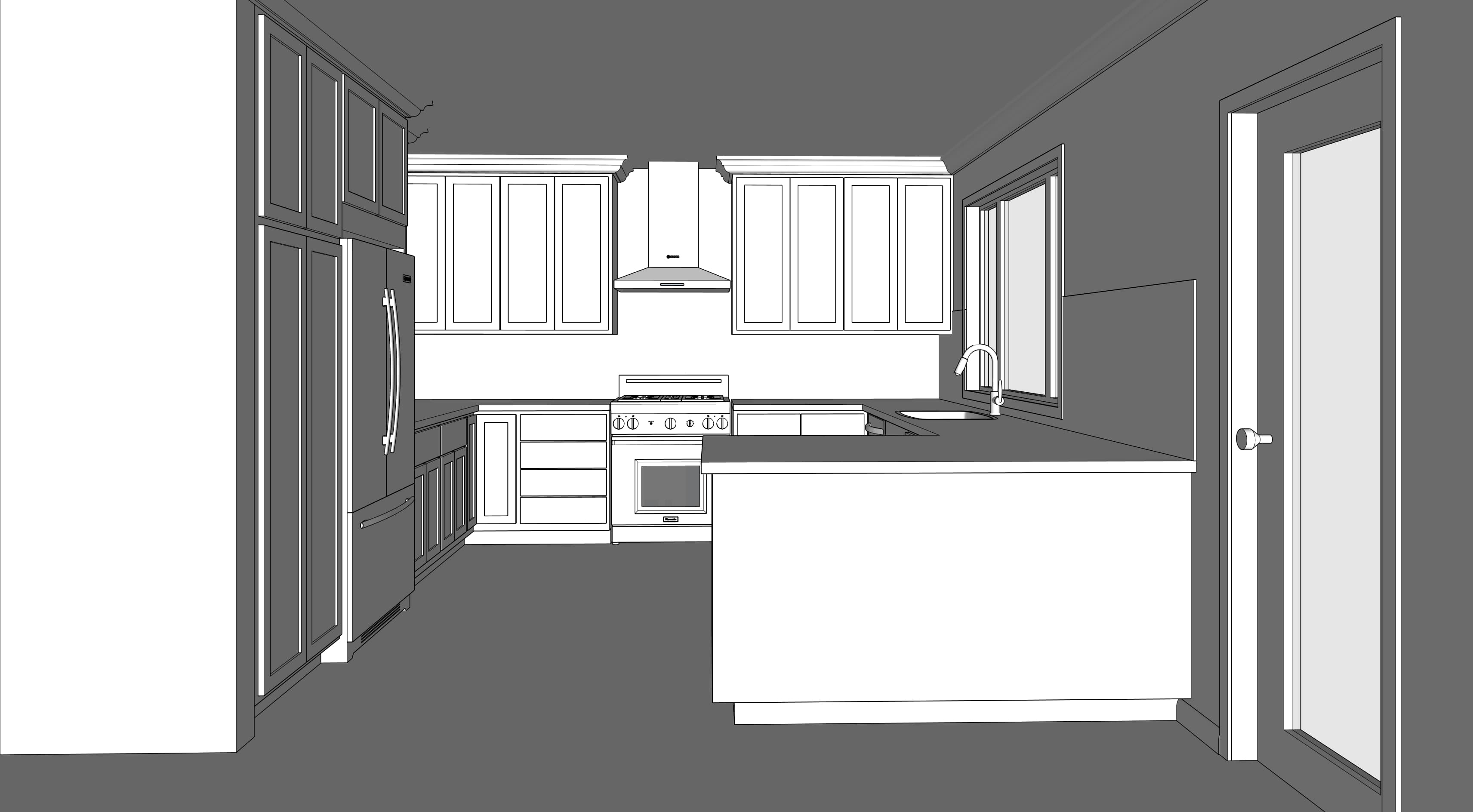

The goal is not to hand you another tool to figure out. It is to get you through the first real use case with us, then support you as it becomes part of your process.
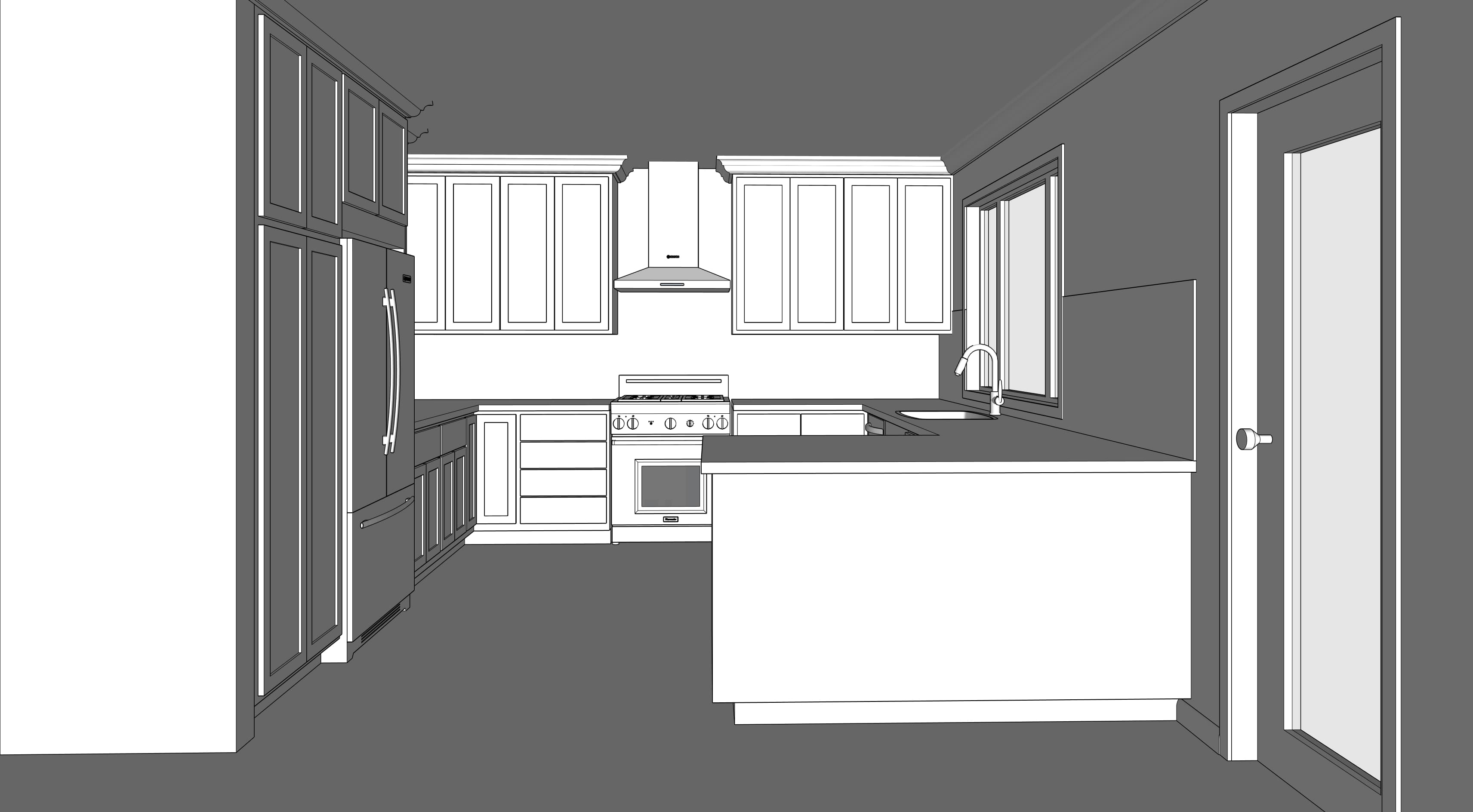
Here’s how the AI Visualization Workflow works in practice.
From design to client-ready visual,
one controlled step at a time



When this workflow makes sense
A quick way to see if this workflow fits the kind of visual work you do.
- Helping clients visualize earlier in the design process
- Iterating fast without starting over
- Keeping visuals aligned with the design
Best when you want clients to understand the vision sooner, feel more confident in the direction, and move forward with less friction.
- One-click results with minimal direction
- Technically exact light simulation
- Final renderings for highly technical review
Made for believable, client-ready visuals. Not 100% technical accuracy.
Build an in-house capability for client-ready visuals.
We handle the setup and workflow tuning, so you can stay focused on the design. We walk through the workflow on one of your real project views, help you produce your first strong visual, and stay with you for 30 days as you apply it to actual client work.
A single concept phase can easily consume $1,500–$2,500 in outsourced rendering, internal iteration time, or delayed decisions. This implementation helps reduce that cost by making client-ready visual iteration faster and easier to control.
- We set up the workflow around one real client project, not a demo file
- We walk you through your first visual during onboarding whenever possible
- We handle the first refinements with you, so you can see how to adjust the image without starting over
- We customize the workflow only where your project type or process needs it
- You get 30 days of support as you apply it to real work
Need to roll this out across a team? Team implementation is available after setup.
Built by people who’ve spent 20 years teaching the tools this workflow runs on.
- 01
Two decades teaching the underlying visualization concepts and tools to working professionals.
- 02
Built from the patterns that show up again and again in real client work.
- 03
Refined through 1000+ visualizations produced using this workflow.

John Shoffner
Workflow architect. Builds and tunes the rendering pipeline used in client engagements.

Alex Oliver
Implementation lead. Runs the 30-day setup with each studio and supports the first live project.
See whether this would work on one of your projects.
Send us one view from your current project. We’ll run it through the workflow and send back a sample visual so you can see what the output looks like on your own work. No pitch call required.
If it feels like a fit, implementation starts with a live onboarding session using one of your real project views.
This is not a magic button or a one-off rendering trick. It works best on real client work, where clearer visuals can help a design decision move forward.
From SketchUp screenshots to client-ready visuals in-house.
Before the Workflow, Emily’s team was waiting on outside renderings. Now they start meetings with visuals they’ve created themselves and use them to guide the design conversation earlier.
“We had zero photo-realistic visuals until weeks later, after sending our model to our rendering guy.”
“Now we start meetings with the renderings we have created with the Workflow.”
For Emily’s team, the shift was from waiting weeks on outsourced renderings to generating strong project visuals in minutes, while the design was still being worked through.
Selections from actual client presentation packages created using the Workflow.